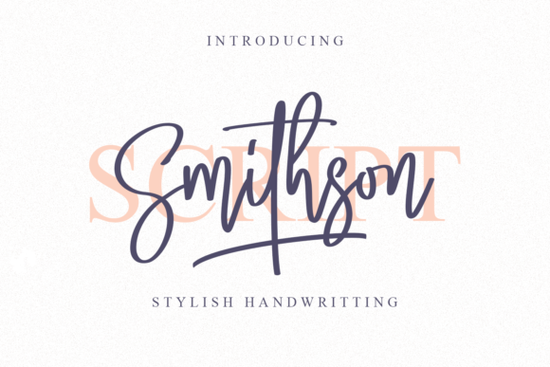
Finding a handwritten typeface that balances elegance with readability is often harder than it looks. Many options feel too messy for professional work, while others look too rigid for creative projects. The Smithson Font offers a strong middle ground for many users. It brings classy calligraphic influences into a contemporary design structure. This makes it useful for designers, crafters, and small business owners who need authenticity without sacrificing clarity. When you spend hours on a design, the typography needs to hold up under scrutiny.
What makes this script feel modern yet classic?
The design maintains traditional flourishes but cleans up the edges significantly. This helps it feel fresh rather than outdated or overly ornate. When you are building a brand identity, you want typography that stands out but still feels trustworthy to your audience. This typeface works well for logos where personality matters more than strict geometry. It avoids the overly dramatic swashes that can make text hard to read on smaller screens or mobile devices. Instead, it focuses on smooth transitions between letters to maintain flow. This approach ensures your message remains clear whether it is printed on a business card or displayed on a website header.
How does PUA encoding simplify your workflow?
One technical feature that saves time during creation is PUA encoding. This stands for Private Use Area within the font file. Basically, it means you can access all glyphs and swashes directly from your standard font panel. You do not need to copy and paste special characters from a separate text file constantly. For crafters using cutting machines or designers working in Illustrator, this reduces frustration significantly. You can click to add an alternate character instantly without breaking your stride. This efficiency matters when you are working on tight deadlines for clients. It allows you to experiment with different ligatures quickly until the composition feels right.
Where can you apply this typeface effectively?
Wedding invitations are a common use case because of the elegant style inherent in the letters. However, it also fits well on packaging for handmade goods like soap labels or candle jars. If you sell print-on-demand items, this script adds a personal touch to t-shirts or mugs that buyers appreciate. It pairs nicely with simple sans-serif fonts for contrast in longer descriptions. If you prefer something with more floral elements for a specific theme, you might look at a beautiful wildflower duo option to complement your layout choices. For branding that needs to feel authentic, handwritten styles are often the best choice for connection. They connect emotionally with customers who value human effort over mass production aesthetics.
Are there similar styles to consider for variety?
Sometimes you need variations for different parts of a larger project suite. If you want something slightly more casual for social media, checking out an autography style script could provide that raw feel. For projects requiring high visibility on storefronts, a stylish script font might offer bolder weights to catch the eye. There are also options like the sunshine script collection if you need a brighter vibe for summer-themed designs or children's products. If your project involves complex text blocks where legibility is key, consider how an overthinker script handles density and spacing. Mixing these styles helps create a unique visual hierarchy without losing coherence across your marketing materials.
What should you check before downloading?
Always review the license terms before starting a commercial project to avoid legal issues. Most creative assets allow use on physical end products, but digital resale rules vary between marketplaces. Test the font in your specific software to ensure compatibility with your version. Install it on both your work and home computers if needed for consistency. Keep the original zip file backed up in a cloud folder in case you need to reinstall later.
Quick Setup Checklist
- Download and unzip the file safely to a known folder.
- Install the font on your operating system correctly.
- Open your design software and locate the typeface list.
- Test the PUA features to find available swashes.
- Save a sample file to test printing or exporting formats.
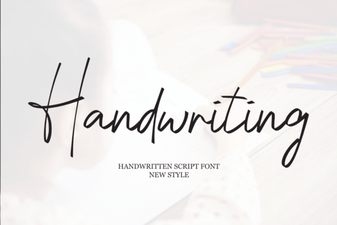 Handwriting Fonts for Authentic Design Projects
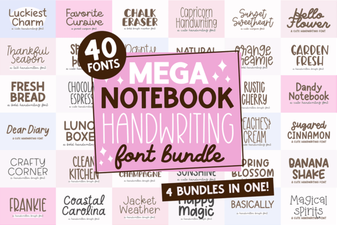 Creative Handwriting Font Bundle for Notebook Designs
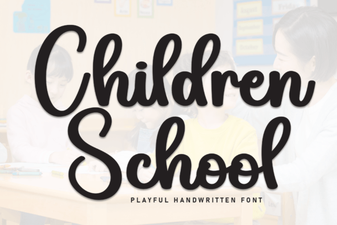 Kid-Friendly Fonts for Educational Design
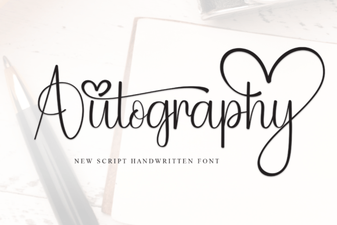 Autography Font: Personalize Your Design Projects
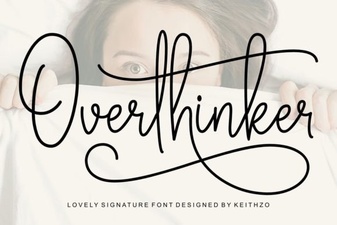 Find the Perfect Font for Overthinkers
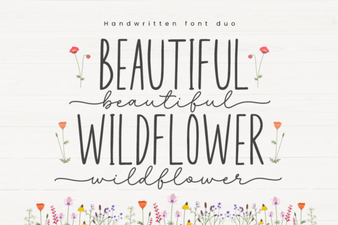 Wildflower Duo Font: Elegant Pair for Design Projects